

Last Updated: October 30, 2026
Quick Summary
Laptop resale value is driven mainly by age, processor generation, RAM, storage type, battery health, and cosmetic condition, not by the price you originally paid. The steepest depreciation happens in the first 12 to 24 months, and after that the annual decline flattens. Documenting battery health and grading cosmetics honestly supports a higher asking price.
- The steepest value drop happens in the first 12 to 24 months of a laptop's life.
- 16GB of RAM adds value while 8GB is neutral and 4GB subtracts.
- An NVMe SSD adds the most value, a SATA SSD is neutral, and an HDD subtracts.
- Run powercfg /batteryreport on Windows to document design capacity, full-charge capacity, and cycle count.
- A Grade A machine of the same age and specs can command meaningfully more than a Grade C unit.
Table of Contents
- The Factors That Affect Laptop Value Most
- Used Laptop Price by Age: How Depreciation Works
-
How to Calculate Laptop Resale Value Before You List
- Step 1: Anchor to original purchase price, not sticker price
- Step 2: Apply an age-based depreciation band
- Step 3: Adjust for specs with a simple point system
- Step 4: Adjust for condition and battery evidence
- Step 5: Adjust for software licenses, the gap most guides miss
- Step 6: Adjust for local demand
- Step 7: Sanity-check against live listings
- A worked example
- How to Sell a Used Laptop for the Best Price
- Get a Cash Offer on Your Laptop Today
- Frequently Asked Questions
The Factors That Affect Laptop Value Most
Laptop resale value is what a buyer will pay for your used machine, and it hinges on a short list of measurable factors. Specs and condition decide the offer, not the sticker price you paid.
Below, we'll show how each factor moves the number, how to calculate laptop resale value before you list, and where to sell for the best price.
Hardware Specs: Processor Generation, RAM, and Storage
Processor generation sets the ceiling: a newer chip in the same model line commands more, and buyers check generation first. RAM matters next, 8GB feels tight to most users while 16GB reads as comfortable.
Screen resolution and condition also shift the number. A crisp display with no dead pixels sells faster than a dim or scratched one.
Battery Health and Cosmetic Condition
Battery cycle count is the spec sellers overlook most and buyers ask about most. A high cycle count means shorter runtime, so expect a lower offer. Cosmetic condition works the same way: chassis damage, cracks, and deep scratches pull the price down, while a clean body with light wear holds value.
A simple cosmetic grading scale helps you price honestly:
- Excellent: no visible wear, screen flawless, battery healthy
- Good: minor scuffs, no cracks, everything works
- Fair: visible scratches or dents, fully functional
Used Laptop Price by Age: How Depreciation Works
Depreciation is not a straight line, and treating it like one is the fastest way to overprice a used laptop. The steepest drop happens in the first 12 to 24 months, while the machine is still under or just past warranty and a newer generation is already on shelves.
What accelerates depreciation is obsolescence, not the calendar. A processor generation falls behind when OS updates, video-call software, and browser workloads start to feel slow.
| Age band | Typical value trend | What buyers actually check |
|---|---|---|
| Under 1 year | Highest resale price; small discount off retail | Remaining warranty, original box and charger, cycle count |
| 1-2 years | Moderate drop as the next generation launches | Battery health report, RAM and storage, cosmetic grade |
| 3-4 years | Steady decline; specs start to matter more than age | SSD vs. HDD, 16GB vs. 8GB, screen condition |
| 5+ years | Low value, niche demand | Whether it boots reliably, parts availability, keyboard and ports |
Prove battery health instead of guessing at it
Battery cycle count is the spec buyers ask about most and sellers document least. On Windows, generate a battery report in about a minute: open Command Prompt, run powercfg /batteryreport, and the system writes an HTML file you can open in a browser.
On MacBooks, the equivalent is the battery condition readout under System Settings, which reports cycle count and a service recommendation. Either way, a documented battery is worth more than an undocumented one.
Lenovo Yoga 7i 2-in-1 82BJ 15.6" i5-1035G7 2.4GHz 8GB RAM 256GB SSD →
Grade cosmetics on a standard scale
Private sellers describe condition in adjectives; buyers compare in grades. A simple A/B/C scale makes your listing comparable to professional ones and reduces haggling:
- Grade A: no visible wear, screen flawless, battery healthy, all original accessories.
- Grade B: minor scuffs on the lid or palm rest, no cracks, everything functional.
- Grade C: visible scratches or dents, fully functional, battery may show wear.
A Grade A machine of the same age and specs can command meaningfully more than a Grade C unit, so grade honestly and photograph the flaws you disclose.
The takeaway on age
Age sets the starting point, but battery evidence, cosmetic grade, and whether the specs still meet current software expectations decide where the price lands.
How to Calculate Laptop Resale Value Before You List
Most guides tell you to 'apply a depreciation rate' and 'check comparable listings' and stop there, directionally right but useless at the kitchen table. Here is a worksheet you can actually fill in, plus two adjustments almost no competitor covers: software license transferability and local market demand.
Step 1: Anchor to original purchase price, not sticker price
Use what you actually paid, including tax and any upgrades you added (extra RAM, a larger SSD). If you bought on sale, use the sale price. Buyers care what a comparable used unit sells for today, not what the machine cost at full retail.
Step 2: Apply an age-based depreciation band
Use the age table above as your starting band. The first two years carry the heaviest percentage decline, and each year after that the decline shrinks. Write down your band before you adjust anything.
Step 3: Adjust for specs with a simple point system
Rather than guessing, score the specs that buyers actually search for:
- RAM: 16GB or more adds value; 8GB is neutral; 4GB subtracts.
- Storage: NVMe SSD adds the most; SATA SSD is neutral; HDD subtracts.
- Processor generation: current or one generation back adds; two or more generations back subtracts.
Add up the pluses and minuses and move your price up or down within the band, so you don't price a 16GB SSD machine the same as an 8GB HDD unit of the same age.
Step 4: Adjust for condition and battery evidence
Apply your cosmetic grade (A/B/C) and attach the battery report. A documented healthy battery supports the top of your band; an undocumented or worn battery pushes you toward the bottom.
Step 5: Adjust for software licenses, the gap most guides miss
Pre-installed software affects value in two ways, and both are frequently ignored:
- Transferability: A retail license for productivity or creative software that can legally move to the buyer adds real value. An OEM or subscription license tied to your account usually cannot transfer, so it adds nothing, and advertising it as included can create a dispute after the sale.
- Clean transfer: Before you list, sign out of subscription accounts and deauthorize the machine from any software that counts activations. A buyer who receives a machine still tied to your account cannot use the software and may ask for a refund.
State clearly in your listing which licenses transfer and which do not. Buyers pay more for certainty.
Step 6: Adjust for local demand
Resale value is not uniform across the country. A thin-and-light laptop with long battery life moves faster in a college town; a workstation-class machine with a discrete GPU moves faster near corporate hubs and creative studios. Check completed sales and current listings for your exact model filtered to your area. If local demand is thin, price toward the national low end or plan to ship.
Lenovo Yoga 7i 2-in-1 82BJ 15.6" i5-1035G7 2.4GHz 8GB RAM 256GB SSD →
Step 7: Sanity-check against live listings
Pull current listings for your exact model and specs, note the asking prices, and discount for the fact that asking prices are not sale prices. Your number should land inside that range, adjusted for your grade and documentation.
A worked example
Suppose you paid $900 for a laptop three years ago. The age band puts you in a steady-decline range. The machine has 16GB of RAM and an NVMe SSD, which moves you up within the band; the processor is two generations back, which moves you down. You grade it B, attach a battery report showing moderate wear, and confirm no software licenses transfer.
How to Sell a Used Laptop for the Best Price
Selling for the best price starts with preparation, and data security comes first. Back up your files, sign out of your accounts, and perform a factory reset.
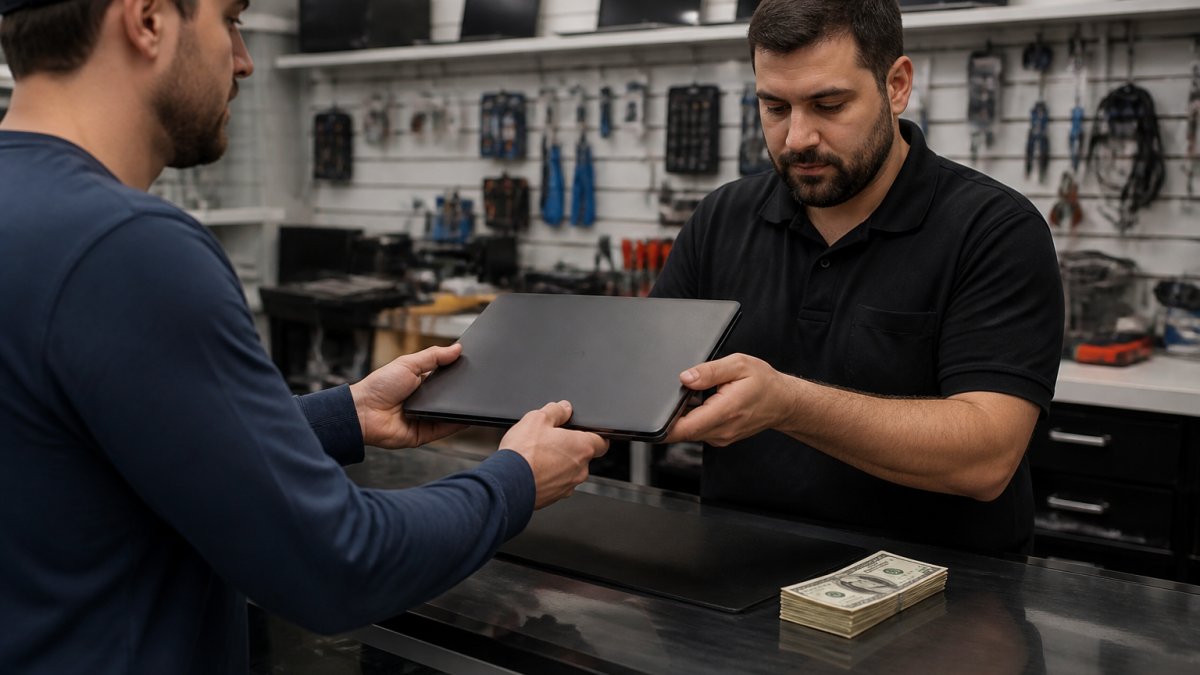
Next, gather what buyers want:
- Original charger and accessories, since peripheral compatibility adds value
- Proof of warranty status if it's still active
- A quick note on battery health and specs
Then choose where to sell. To compare your options, our guide on 7 places to sell old laptops for fast cash lays out the trade-offs. Watch out: skipping the factory reset before a private sale exposes your personal data to a stranger (How To Remove Your Personal Information Before You Get Rid of Your Phone).
Get a Cash Offer on Your Laptop Today
The fastest path to cash is a professional offer, and that's where we come in.
Want to see how specs and condition shape price? Browse our pre-owned laptops, like this Lenovo Yoga 7i 2-in-1 at $279.99.

Get started with Buy, Sell & Trade Electronics and turn your old laptop into cash today.
Frequently Asked Questions
How to calculate the resale value of a laptop?
Start with the original purchase price, then subtract depreciation for each year of age, typically 20-30% in year one and 10-15% annually after. Next, adjust for hardware specs, battery cycle count, cosmetic condition, and whether the original charger and box are included. Check recent sold listings for the same model to find fair market value, then deduct any transaction fees or shipping costs you would pay through a private sale.
Is a 10-year-old laptop worth keeping or selling?
A 10-year-old laptop has usually depreciated to a small fraction of its original price, and buyer demand for machines that old is limited. Selling it for cash, even a modest amount, often beats keeping it in a drawer where it loses more value each year. If it still boots and holds a charge, a local buyer may take it. If it does not, responsible e-waste recycling is the better path.
Which laptop has the highest resale value?
Apple MacBooks generally hold resale value better than most Windows machines, thanks to strong buyer demand and slower perceived obsolescence. Premium business lines from Lenovo, Dell, and HP also retain value when specs are current. The biggest drivers are processor generation, RAM capacity, storage type (SSD vs HDD), and battery health, so a well-specced machine from any major brand can command a solid resale price.
What is a fair price for a five-year-old laptop?
A five-year-old laptop typically sells for a fraction of its original purchase price, with the exact figure driven by hardware specifications, cosmetic condition, and battery cycle count. A machine with a recent processor generation, 16GB of RAM, and an SSD will land near the top of the range, while a base model with chassis damage sits lower. Compare recent sold listings for your exact model to set a realistic listing price.
