

Last Updated: October 31, 2026
Quick Summary
To check a used phone before buying, test the device in person before money changes hands by running a 15-minute inspection covering power, screen, touch, battery, IMEI, activation lock, small parts, and carrier compatibility. Verify the 15-digit IMEI matches at least two sources and confirm no activation lock is active before you pay.
- There is no industrywide standard for grading used phone condition, so trust what you see.
- A phone with an outstanding carrier balance can be blacklisted after you buy it.
- Battery health in the low 80s is workable; anything in the 70s means a replacement is likely within a year.
- Bring your own cable and charger to confirm the phone charges without overheating.
- Every purchase comes with a 30-day warranty and a 7-day money-back guarantee.
Table of Contents
- Start With a Used Phone Checklist Before You Hand Over Cash
- Check IMEI Before Buying a Used Phone to Confirm It Is Clean
- How to Read Used Phone Battery Health and Charging Behavior
- Questions to Ask When Buying a Used Phone From a Stranger
- Test the Camera, Speakers, Microphone, Buttons, and Sensors
- Buy From a Store That Stands Behind the Device
- Frequently Asked Questions
Start With a Used Phone Checklist Before You Hand Over Cash
Learning how to check a used phone before buying comes down to one habit: test the device in person before money changes hands. A used phone checklist turns a risky purchase into a 15-minute inspection.
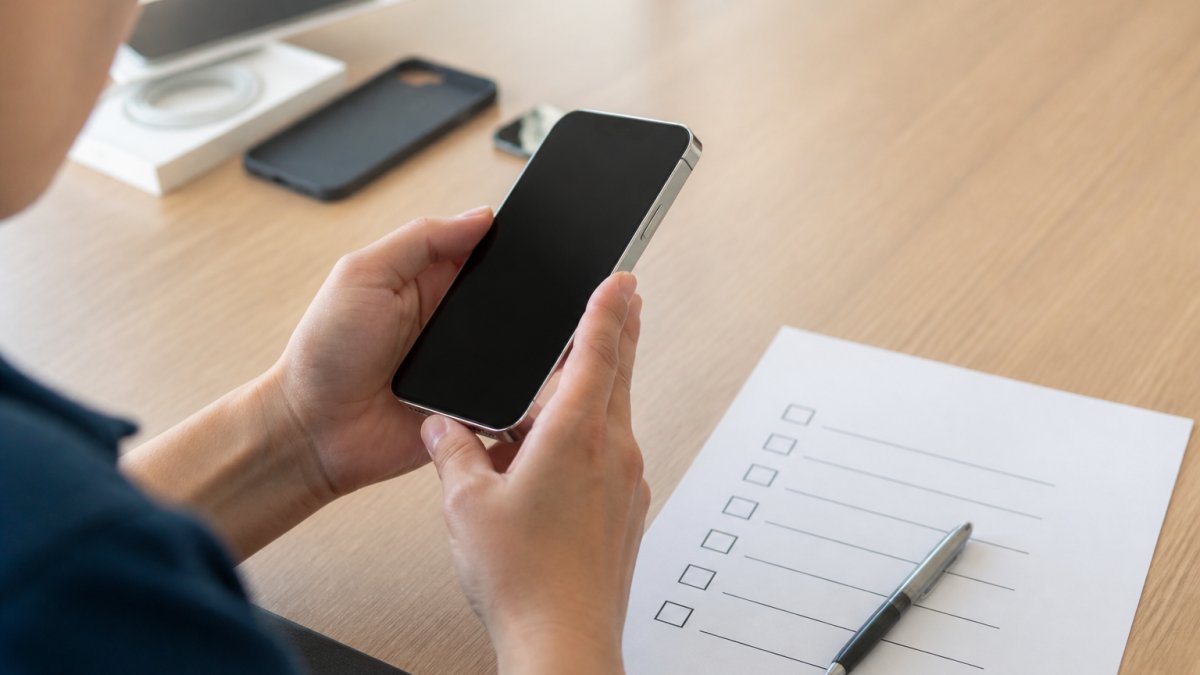
Here's a checklist to run through:
- Power the phone on and confirm it reaches the home screen
- Inspect the screen and body for cracks, scuffs, and bends
- Test touch response across the whole display
Work through it in order. The first two passes catch most problems.
The Physical Inspection Pass
Start with the outside of the phone. Look along every edge in good light.
- Check for cracks, chips, or dents on the frame
- Lay the phone flat to spot a bent or warped body
- Inspect the charging port for bent pins or debris
Don't judge condition by the seller's label. There is no industrywide standard for grading used phone condition, so one seller's "good" may be another's "fair." Trust what you see.
The Screen and Touch Test
The screen is the most expensive part to fix, so test it hard. Open a white image and a dark image, then look for dead pixels, discoloration, or bright spots.
If you find a crack, weigh it against the asking price before you buy. How much it costs to repair a broken phone screen gives real price ranges so you can compare that cost with the asking price.
Run through these checks in order, since the first two passes catch most problems.
| Check | What to do |
|---|---|
| Power on | Confirm the phone reaches the home screen |
| Screen and body | Inspect for cracks, scuffs, and bends |
| Touch response | Test across the whole display |
| Battery and charging | Check battery health and charging behavior |
| IMEI and blacklist | Verify the IMEI and blacklist status |
| Activation lock | Confirm no activation or account lock is active |
| Small parts | Test camera, speakers, microphone, buttons, and sensors |
| Carrier compatibility | Check carrier and network compatibility |
Check IMEI Before Buying a Used Phone to Confirm It Is Clean
The IMEI is the phone's 15-digit international mobile equipment identity number, and it is the single most important check in the whole process. It tells you whether the device is clean, blacklisted, or still tied to someone else's account.
Where to find the IMEI
There are four places to look, and you should compare at least two of them:
- Dial
*#06#on the keypad. The IMEI appears on screen on most Android devices and iPhones. - Open Settings under About Phone (Android) or General > About (iPhone).
- Check the original box label.
- Look at the SIM tray on many older Android models.
If the number on the screen does not match the number on the box, stop. A mismatch is a strong sign of a replaced logic board, a refurbished device sold as new, or a stolen phone.
How to run a blacklist and ownership check
A free IMEI checker will tell you whether the device has been reported lost or stolen, but free tools vary in coverage.
A common pattern is a phone that passes a free checker but still has an unpaid carrier installment plan attached. That balance follows the device, not the seller, and the carrier can blacklist the phone months after you buy it.
Confirm there is no activation lock
An activation lock is a separate problem from a blacklist. On iPhones, Activation Lock ties the device to the seller's Apple ID. On many Android phones, Factory Reset Protection (FRP) ties it to the seller's Google account.
To test it, ask the seller to factory reset the phone in front of you, then walk through the setup screen. If it asks for a previous owner's Apple ID or Google password, the lock is still active.
Factory Unlocked Apple iPhone 14 Pro Max 256GB Gold →
What to do when the check fails
- IMEI is blacklisted or reported stolen: Walk away. There is no legitimate path to clearing a stolen device.
- Outstanding carrier balance: Ask for a payoff receipt. If the seller cannot produce one, negotiate a price that reflects the risk or walk away.
- Activation lock is active: Ask the seller to remove it in front of you by signing out of their account. If they cannot, walk away.
If you are unsure how carrier balances work, our guide on selling a phone that isn't paid off explains the mechanics: a balance is a debt attached to the device, and it can follow the phone to you.
How to Read Used Phone Battery Health and Charging Behavior
Battery health tells you how much capacity the battery has left relative to when it was new. A reading in the low 80s is common on a two- or three-year-old phone and is workable for most buyers. Anything in the 70s means a battery replacement is likely within a year, so factor that cost into the price.
How to find battery health on each platform
The steps differ by operating system, and most sellers will not know where to look. Here is how to find it yourself:
- iPhone (iOS 11 and later): Open Settings > Battery > Battery Health & Charging and check Maximum Capacity. iOS also shows a service message if the battery has degraded significantly or a non-genuine battery is installed.
-
Samsung Galaxy: Open the Samsung Members app and run the battery status diagnostic, or dial
*#0228#on older models to see battery voltage and temperature. - Google Pixel and most other Android phones: Open Settings > Battery > Battery Usage, then look for a battery health or capacity reading. On Pixel phones, it's under Settings > Battery > Battery Health.
Spotting replaced or non-genuine parts
A battery reading alone does not tell you whether the battery is genuine. Look for these signals:
- iPhone: A non-genuine battery triggers an Important Battery Message in Settings > Battery. A replaced screen may show a warning under Settings > General > About when the part is not paired to the device.
-
Samsung: Dial
*#0*#to open the hardware diagnostic menu and test the screen, sensors, and speakers individually. - Any phone: Check the repair history the seller claims against the physical evidence. Uneven seams, stripped screws, or a screen that sits proud of the frame suggest a prior repair.
Test charging behavior, not just the reading
A battery health number is a snapshot. Charging behavior tells you how the phone performs in real use:
- Plug in the charger and confirm the phone charges at a normal rate.
- Watch for overheating during charging, which may signal a failing battery or bad charging circuit.
- Unplug the phone and confirm it holds a charge for at least a few minutes of use.
If battery health is in the 70s or lower, or the phone shows a non-genuine battery warning, use that as negotiating leverage. A battery replacement typically costs far less than a screen replacement, but it is still a real cost.
Questions to Ask When Buying a Used Phone From a Stranger
Ask direct questions before you meet, and ask them again in person. A honest seller won't mind.
- Why are you selling the phone?
- Has it ever been repaired, and where?
- Is it fully paid off and unlocked from the carrier?
Meet in a public place during daylight, and bring a friend if you can. Pay only after every check passes. Ask whether the seller wiped the phone properly; our guide on securely wiping phone data before selling covers what a clean reset looks like.
Test the Camera, Speakers, Microphone, Buttons, and Sensors
The small parts are where hidden problems hide. Test each one in a few seconds.
- Camera: Take photos with the front and rear cameras, and check focus
- Speakers: Play music at full volume and listen for crackle
- Microphone: Record a voice memo and play it back
Run a built-in diagnostic test if the phone has one. Then confirm the operating system is up to date and the phone activates normally with your SIM card.
Buy From a Store That Stands Behind the Device
Buying from a stranger saves nothing if the phone fails a week later. A store that tests devices and backs them with a warranty removes most of the risk.
Every purchase comes with a 30-day warranty and a 7-day money-back guarantee, and you can visit a physical store if something goes wrong.
Ready to buy with confidence? Browse devices like the Factory Unlocked iPhone 14 Pro Max 256GB Gold at $449.99 or the Google Pixel 11 Pro 256GB Bay Blue at $765.99.
Frequently Asked Questions
What is the *#0*# test on my phone and should I run it on a used phone?
The *#0*# code opens a built-in hardware test menu on many Samsung phones, letting you check the screen colors, touch response, sensors, speakers, and camera without installing anything. It is a fast way to run a diagnostic test during an in-person inspection. On other brands, the code may not work, so test the same features manually through the settings and camera app. Run it before you pay, and confirm every sensor and button responds normally.
How can I tell if a used phone is stolen or blacklisted?
Ask for the IMEI, then check it against a free blacklist database and confirm the phone is not reported stolen. On iPhones, verify the activation lock is off by confirming the device is signed out of iCloud. On Android, make sure the previous owner removed their Google account. A phone that is carrier-locked, flagged for an outstanding balance, or still tied to an account can be blocked later, leaving you with a device that will not connect to a mobile network.
What used phone battery health number is acceptable?
On iPhone, open Settings, then Battery, then Battery Health to see the maximum capacity percentage. A reading above 85% is generally fine for daily use, while anything below 80% usually means a battery replacement is due soon. On Android, use a diagnostic app or the phone's built-in battery menu. Also watch the charging port for a loose cable connection and confirm the phone charges normally during your inspection.
Is it safe to buy a used phone without a warranty?
Buying without a warranty means you absorb the cost of any failure, including a screen replacement or battery replacement. A private sale gives you no return protection once you hand over cash. A store that offers a written warranty and a money-back window shifts that risk back to the seller. Ask what the return period covers and get it in writing before you pay.
The real challenge isn't finding a used phone. It's knowing which one is worth your money. Buy, Sell & Trade Electronics takes the guesswork out with tested devices, a 30-day warranty, and a 7-day money-back guarantee, all from a locally owned store you can walk into. Get started with Buy, Sell & Trade Electronics and buy a phone that works from day one.
